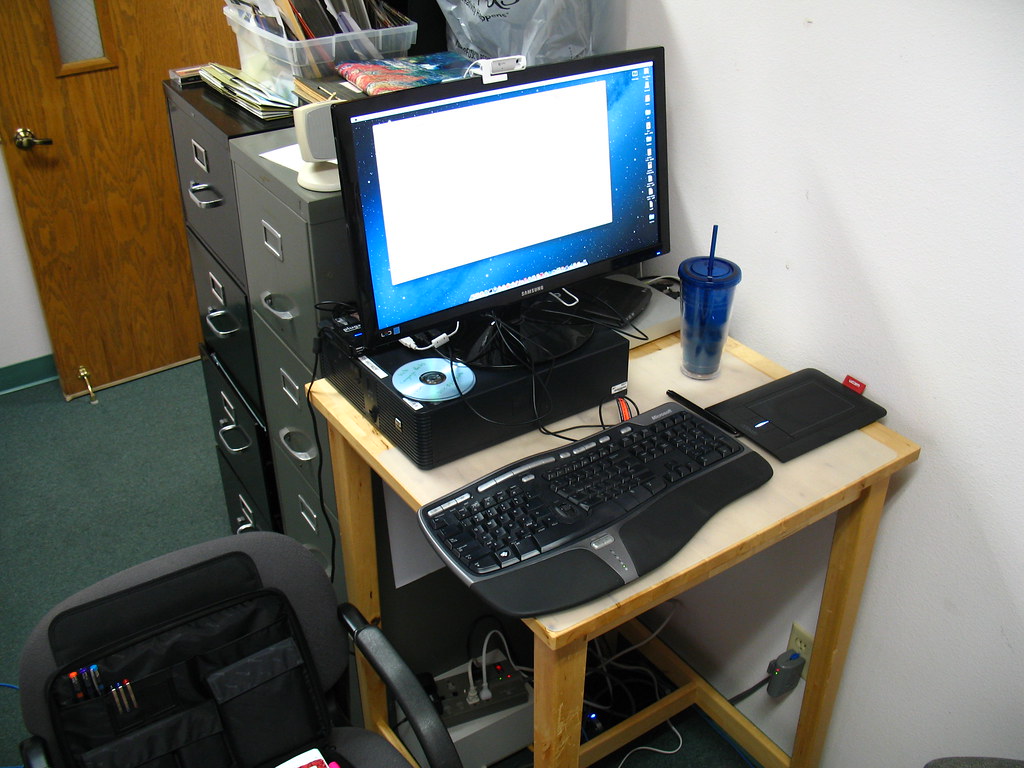
Short answer
The best productivity tool removes a repeated decision. If it creates another inbox, cable, subscription or habit to maintain, it may be clutter.
Buying criteria
One clear job per tool
Works with your current calendar and notes
Low setup burden
Easy export or cancellation
No duplicate inboxes
Physical footprint on the desk
Define clutter beyond objects
Clutter is not only the pile on the desk. It can be a second task app, a notification channel, a dock with unused ports or a notebook you never review. A productivity tool should reduce friction, not create another place to check.
Before adding a tool, name the repeated decision it will remove. If you cannot name it, wait.
Use fewer capture points
Remote workers often scatter notes across chat, email, paper and app sidebars. Choose one main capture place and one temporary scratch place. Everything else should have a reason to exist.
A simple notebook can be useful if it gets reviewed. A sophisticated notes app can become clutter if it becomes a warehouse. The review habit matters more than the format.
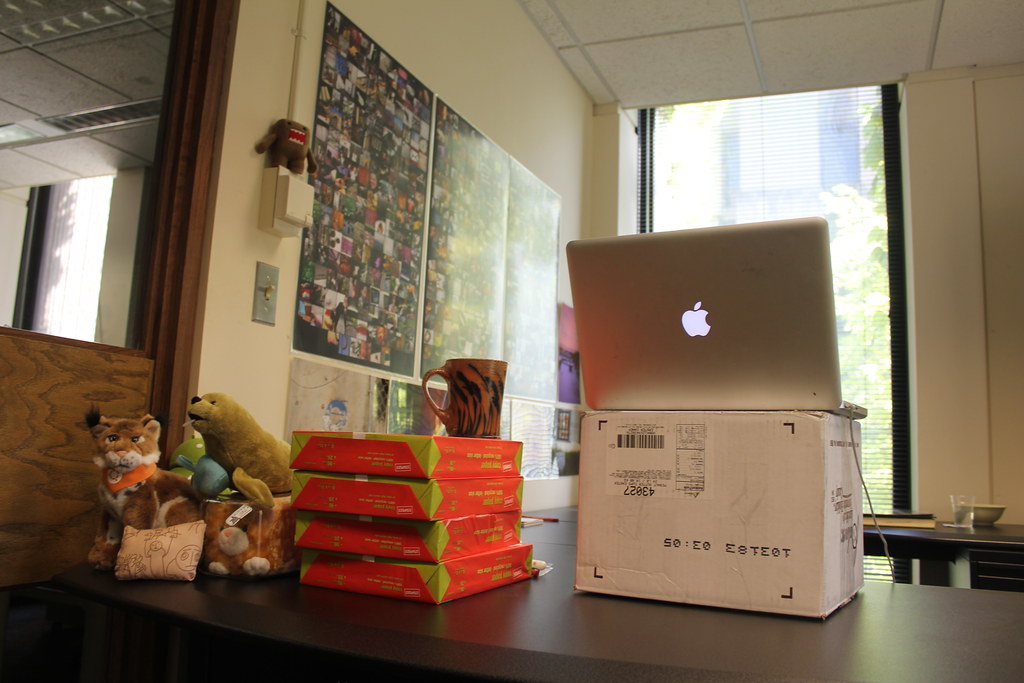
Physical tools should earn their footprint
Desk timers, stands, docks and whiteboards can help, but every object occupies visual and cleaning space. Put daily tools within reach and move occasional tools away from the main work zone.
If a physical tool is meant to improve focus, test the behavior first. A timer helps only if you respect the block it creates.
Software subscriptions need exit paths
A productivity app should make it easy to export notes, cancel a subscription and work with the tools your team already uses. If leaving the app would be painful after one month, think carefully before moving important work into it.
Avoid tools that duplicate your calendar, tasks and notes unless the duplication is deliberate and temporary.
Build a weekly reset
The most useful clutter tool may be a weekly reset: clear downloads, close loops, empty the desk surface, review notes and remove one unused app or object. This keeps the system small.
A desk that resets easily supports focus better than a desk full of specialized gear.
Deskwise setup notes
Use this guide with real measurements rather than a mental picture of the desk. Measure the surface, the distance to power, the height of the chair when your arms are relaxed, and the space behind the monitor. Those numbers make it easier to reject gear that looks useful but will not fit the room.
Before buying, compare the product against these criteria: One clear job per tool, Works with your current calendar and notes, Low setup burden, Easy export or cancellation. If two options look similar, choose the one with clearer dimensions, simpler returns and fewer assumptions about your room. If a product page hides weight limits, cable lengths or clamp requirements, treat that as a buying risk.
Also check the likely failure points: Adding a new app for every problem, Buying a timer or device without changing the work block, Keeping three note systems active. These are not edge cases for remote workers. They are common reasons a desk upgrade becomes another object to manage. A good purchase should make the workday easier to reset, clean and adjust.
Measurement and maintenance notes
Before using this productivity tools advice as a shopping list, turn it into a small worksheet. Write down the desk width, desk depth, chair height, distance to the nearest outlet, monitor size, laptop size and the items that must stay on the surface every day. The numbers do not need to be perfect, but they should be real. A measured note beats a memory of how the room feels.
Use the criteria as a filter, not as decoration: One clear job per tool, Works with your current calendar and notes, Low setup burden, Easy export or cancellation, No duplicate inboxes, Physical footprint on the desk. If a product page does not answer one of those points, pause before buying. Missing information is itself useful information because it tells you what you may need to confirm with the retailer, manufacturer manual or return policy.
Run a one-week trial when possible. Set up the item, work normally, then write down what became easier and what became more annoying. Good desk gear tends to disappear into the routine. Bad desk gear creates a new ritual: moving it aside, charging it constantly, cleaning around it, tightening it, or explaining why it still does not feel right.
Watch for these failure patterns: Adding a new app for every problem; Buying a timer or device without changing the work block; Keeping three note systems active; Using automation before the routine is stable; Forgetting cancellation and export options. They show up because home offices are mixed-use rooms. A desk may be a work surface during the day, a study spot at night and a storage surface on weekends. Gear that only works in a staged photo can fail when the room returns to normal life.
If you share the workspace with a partner, child, roommate or occasional guest, favor reversible setup choices. Adjustable heights, movable lights, reusable cable ties and products with clear return terms reduce the cost of being wrong. Permanent adhesive routes, oversized furniture and single-purpose accessories should earn their place before they become part of the room.
Small systems beat crowded systems.
Mistakes to avoid
- Adding a new app for every problem
- Buying a timer or device without changing the work block
- Keeping three note systems active
- Using automation before the routine is stable
- Forgetting cancellation and export options
FAQ
What is the first productivity tool to add?
A reliable capture system. It can be paper or software, but it must be reviewed and trusted.
Are focus timers useful?
Yes, when they support a real work block. They do not help if notifications and task switching remain unchanged.
How many apps should I use?
As few as your work allows. Prefer one calendar, one task source and one notes system unless a team process requires more.
How do I reduce digital clutter?
Remove duplicate inboxes, unsubscribe from unused tools and keep export options for any app that stores important work.