Deskwise category
Ergonomics
Plain-language setup checks for chair fit, monitor height, input reach and comfort tradeoffs. No fake medical claims.
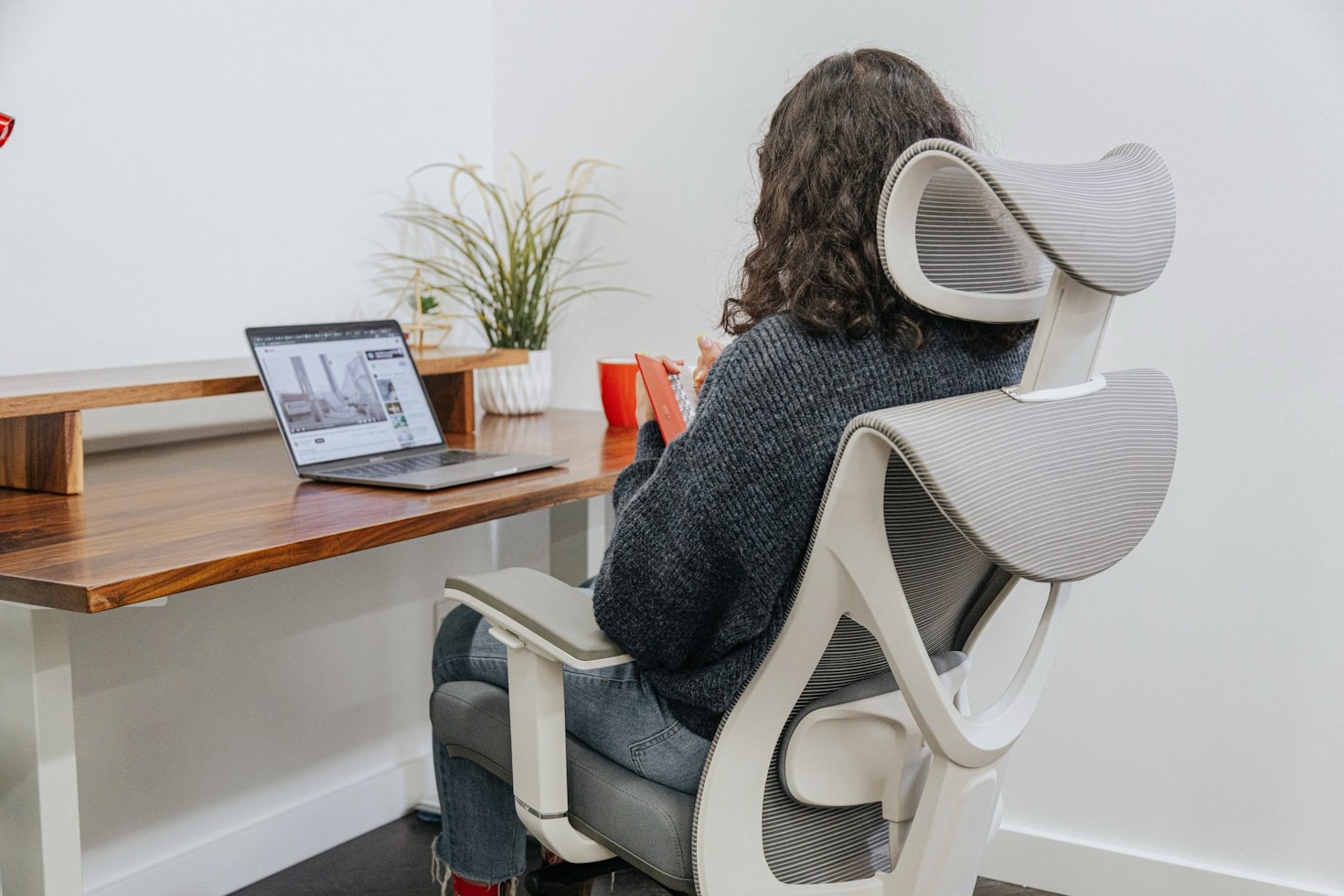
Comfort checks before shopping
Start with the constraint, then read the guide that matches the way the desk is actually used.
- Height
Chair, screen and keyboard should be checked together.
- Reach
Mouse, keyboard and notes should not pull the body forward.
- Returns
Large items need a realistic return plan before ordering.
Latest ergonomics
Practical Deskwise guides with setup tradeoffs, return-risk notes and no invented testing claims.
Chair buying when you cannot try it
How to compare home office chairs online using measurements, adjustability, seat depth, armrests, materials and return terms when you cannot try them first.
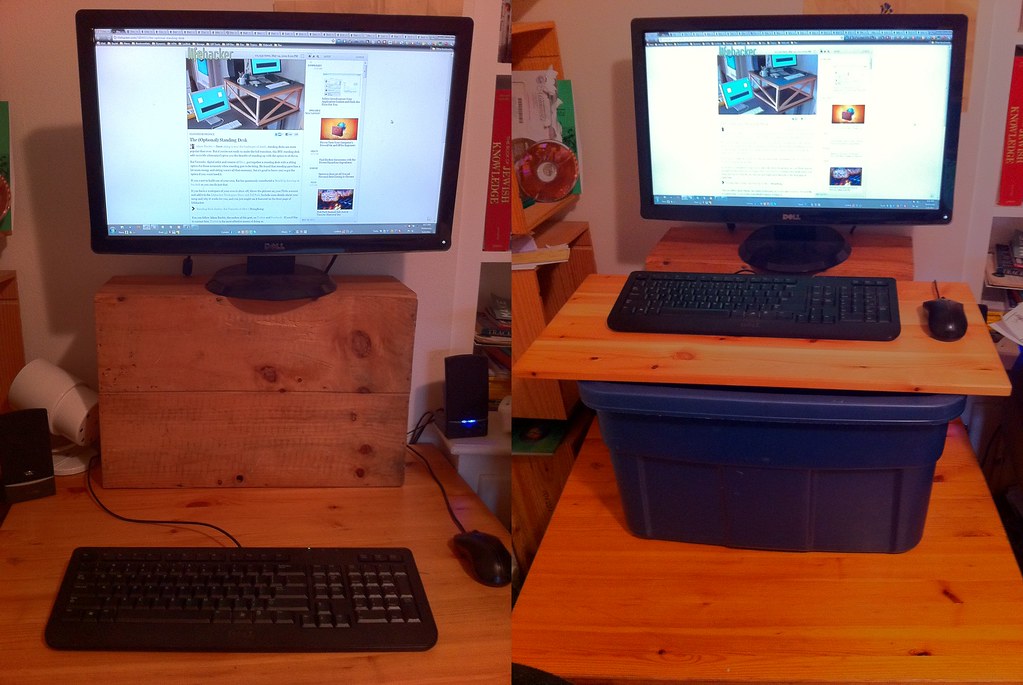
Monitor riser storage tradeoffs
Decide whether monitor riser storage helps your desk by checking screen height, keyboard reach, drawer access, cable paths and clutter habits.
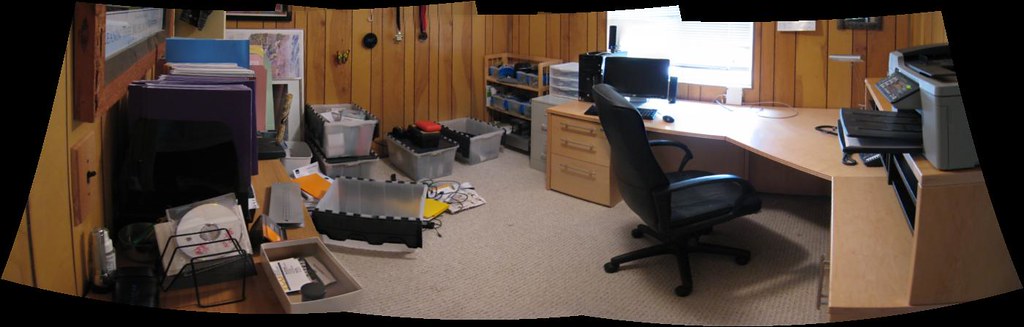
Monitor height and screen distance
A practical monitor height and screen distance check for home offices, including laptops, risers, arms, eye line and multi-screen tradeoffs.
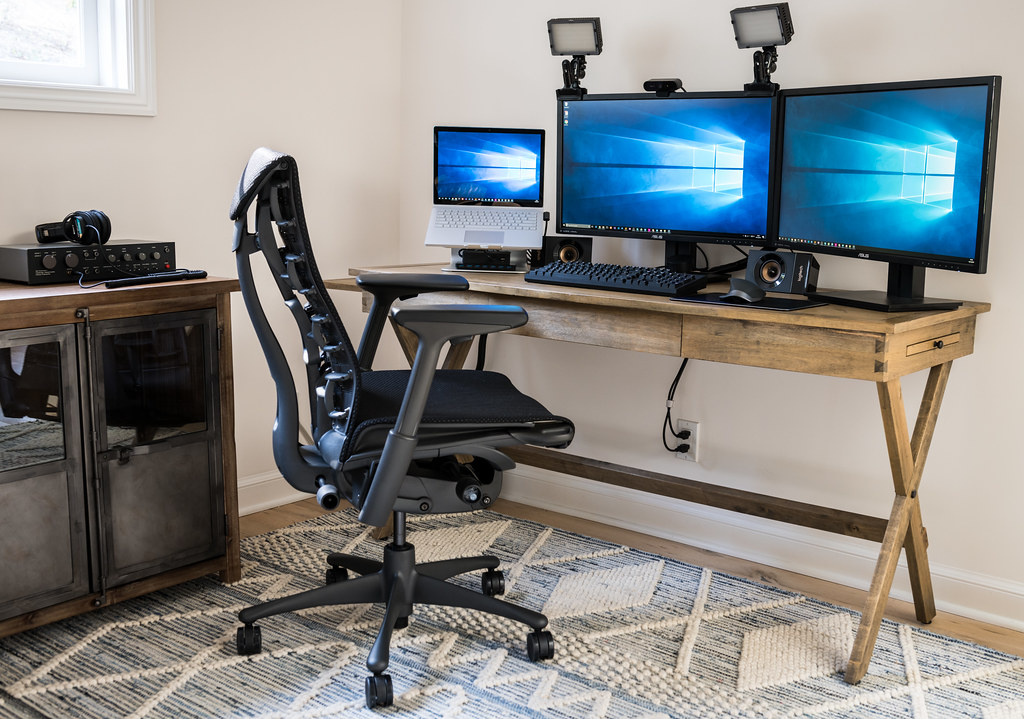
Chair mat, footrest and lumbar support
How to choose between a chair mat, footrest and lumbar support for a home office, based on floor type, chair fit, leg position and comfort needs.
Keyboard and mouse setup for long days
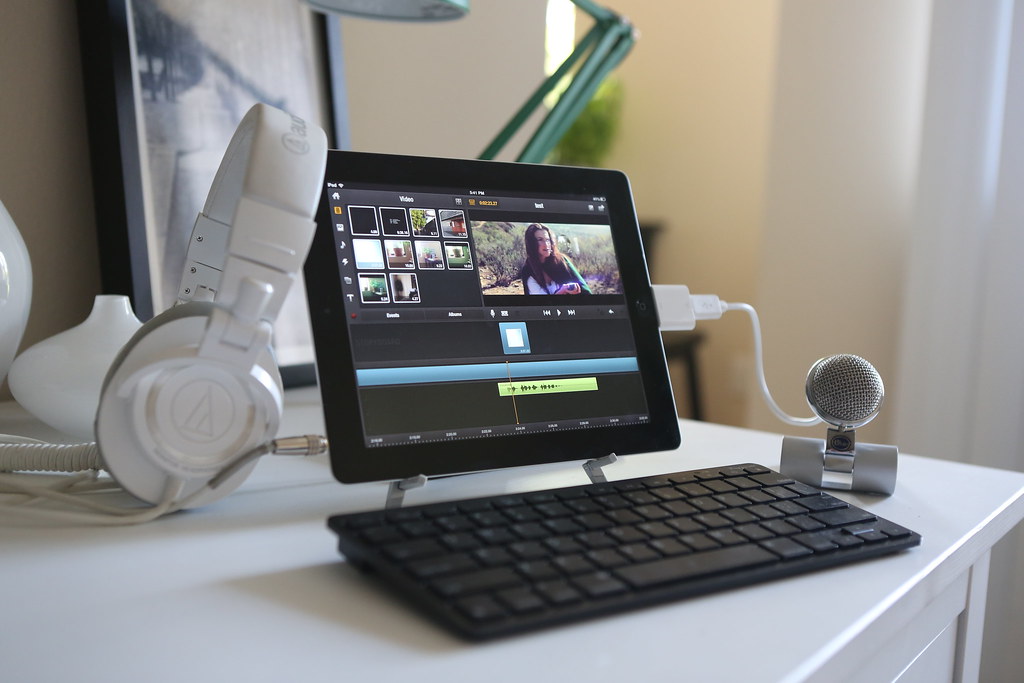
How to set up a keyboard and mouse for long workdays, including reach, wrist position, desk height, compact layouts and when ergonomic shapes help.
Standing desk converter vs standing desk
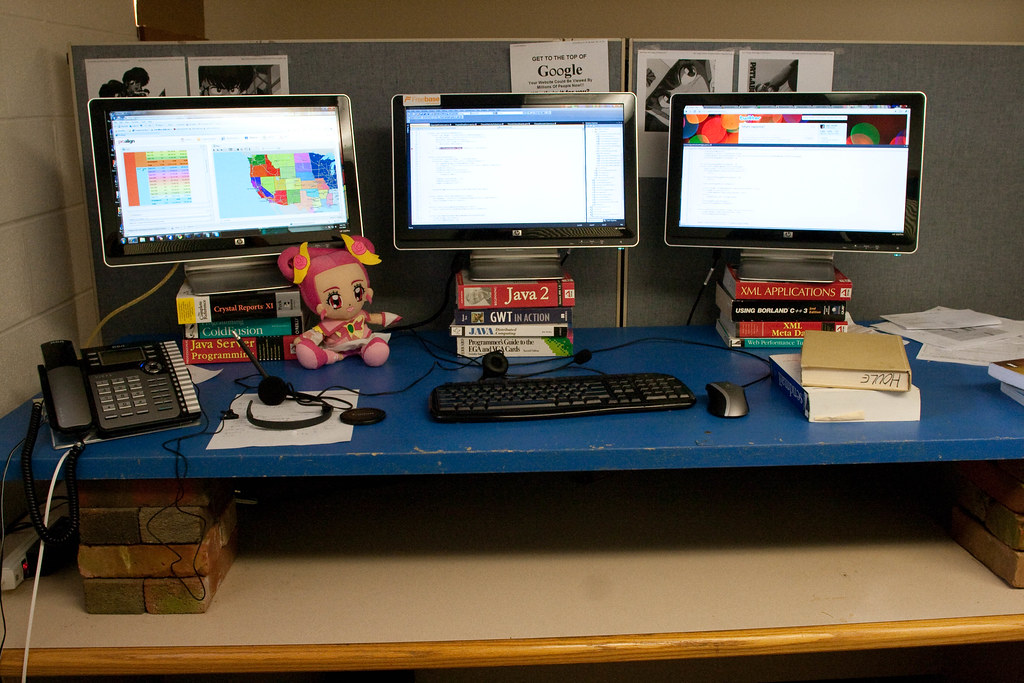
A practical comparison of standing desk converters and full standing desks for home offices, including space, stability, cable slack and return risk.