Deskwise category
Desk Setup
Setup guides for small desks, shared rooms, cable routes, lighting, storage and laptop-first workdays.

Start with the desk constraint
Start with the constraint, then read the guide that matches the way the desk is actually used.
- Space
Depth, chair travel and doors before accessories.
- Power
Outlets, chargers and cable slack before trays.
- Calls
Camera, mic and light positions before new devices.
Latest desk setup
Practical Deskwise guides with setup tradeoffs, return-risk notes and no invented testing claims.
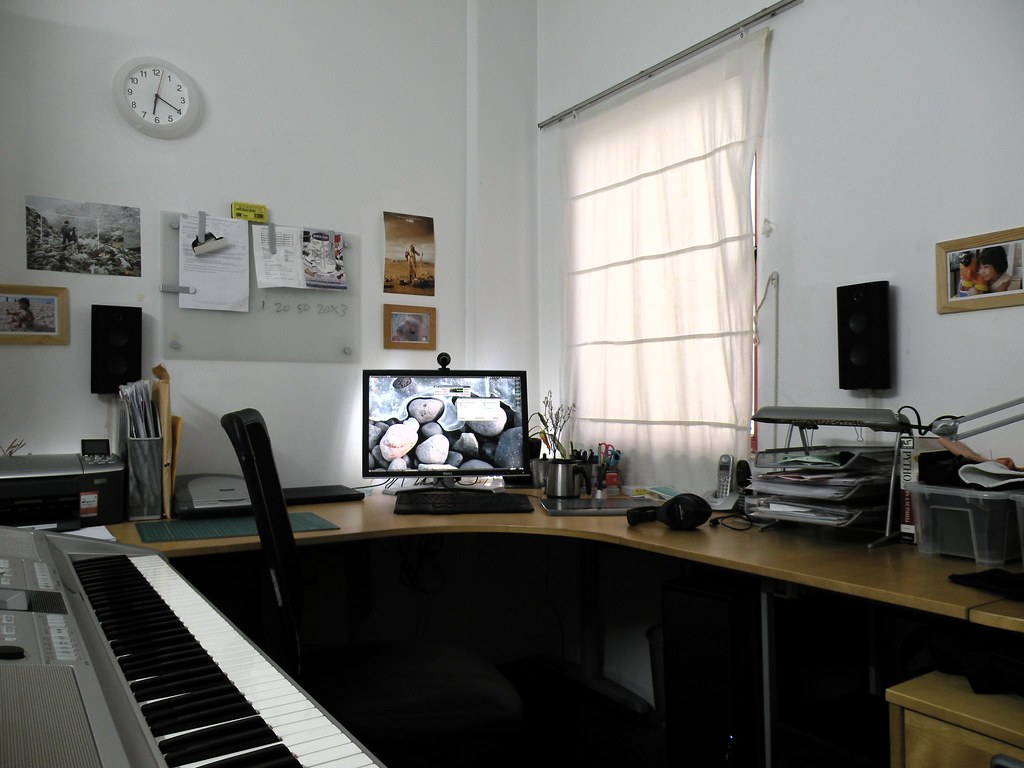
Shared home office for two
Plan a shared home office for two people with desk placement, calls, lighting, power, storage and boundaries that reduce conflict in a small room.
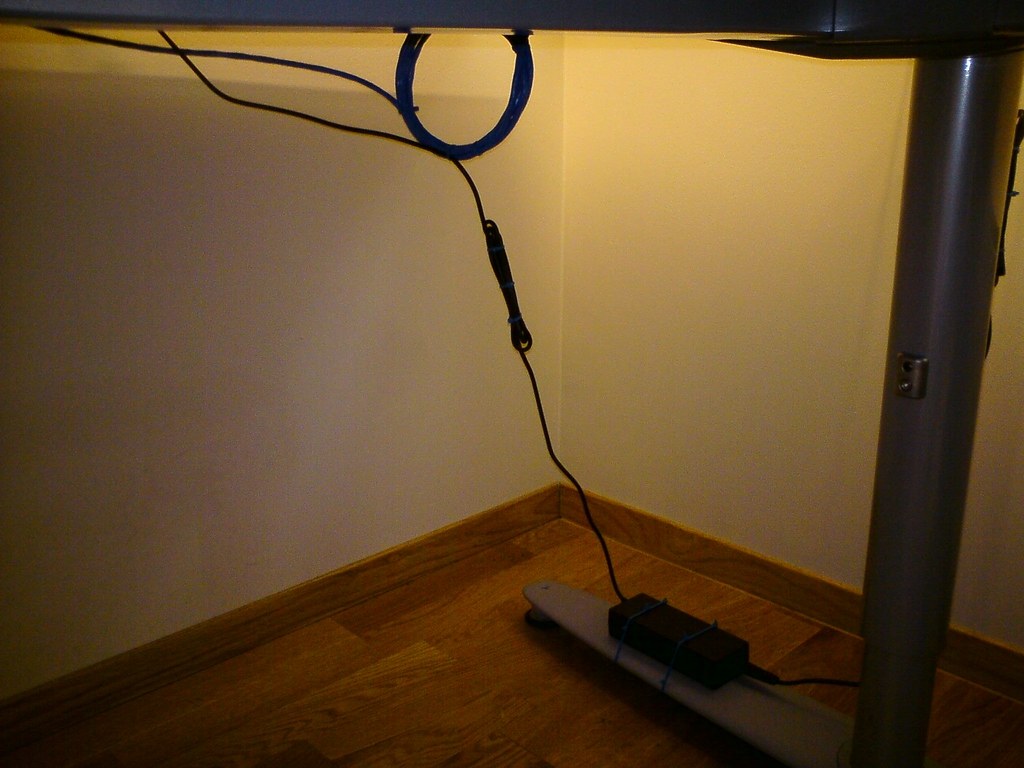
Power strip planning around a desk
Plan power strips, surge protection and cable routes around a home office desk without overloading outlets or making daily gear hard to reach.

Webcam, mic and light setup
Set up a webcam, microphone and light in a small room by choosing height, distance, cable paths and call lighting before buying more gear.
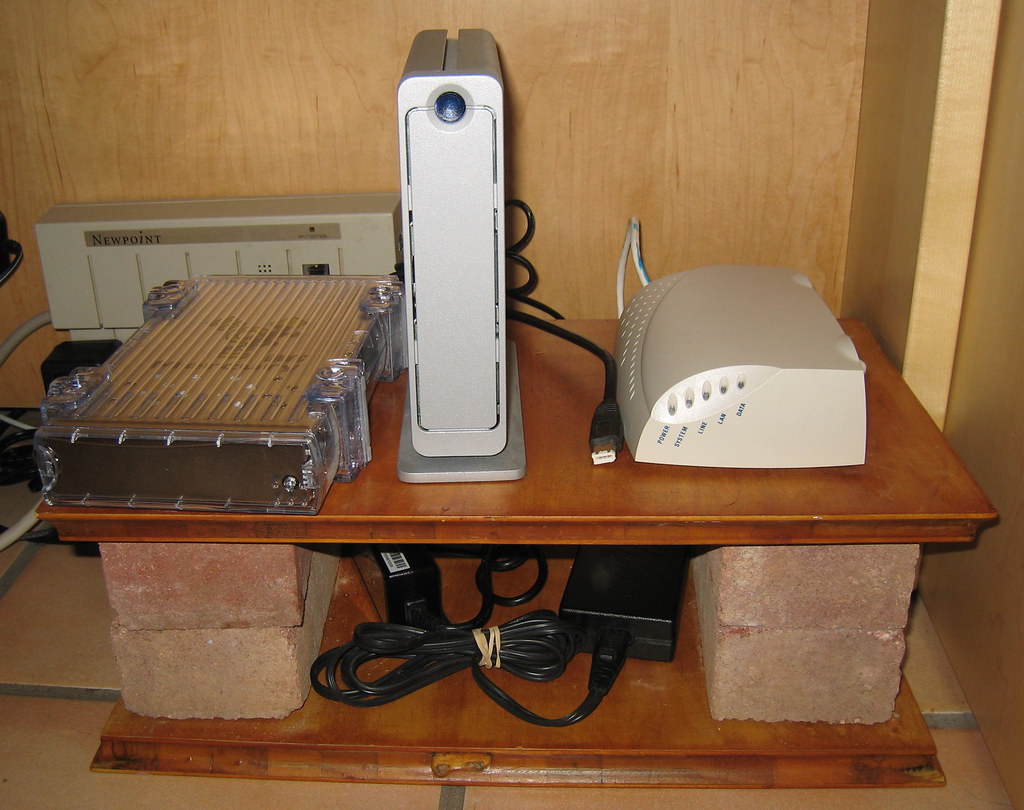
Under-desk storage that stays reachable
Under-desk storage ideas for chargers, notebooks, headphones, stationery and hybrid work gear that keep the desk clear without hiding daily tools.

Noise control for home office calls
Practical noise control for home office calls using microphone placement, soft surfaces, door gaps, headphones and habits without remodeling the room.

USB-C hub plan for hybrid desks
Plan USB-C hubs, short cables, chargers and adapters for hybrid work without carrying duplicates or leaving critical connectors at home.

Docking station checklist
A laptop docking station checklist for remote workers comparing ports, monitor support, charging, cable routing and return risk before buying.
Desk depth: 24-inch vs 30-inch
A practical guide to choosing 24-inch or 30-inch desk depth for monitor distance, keyboard space, notebooks, lamps and small room constraints.
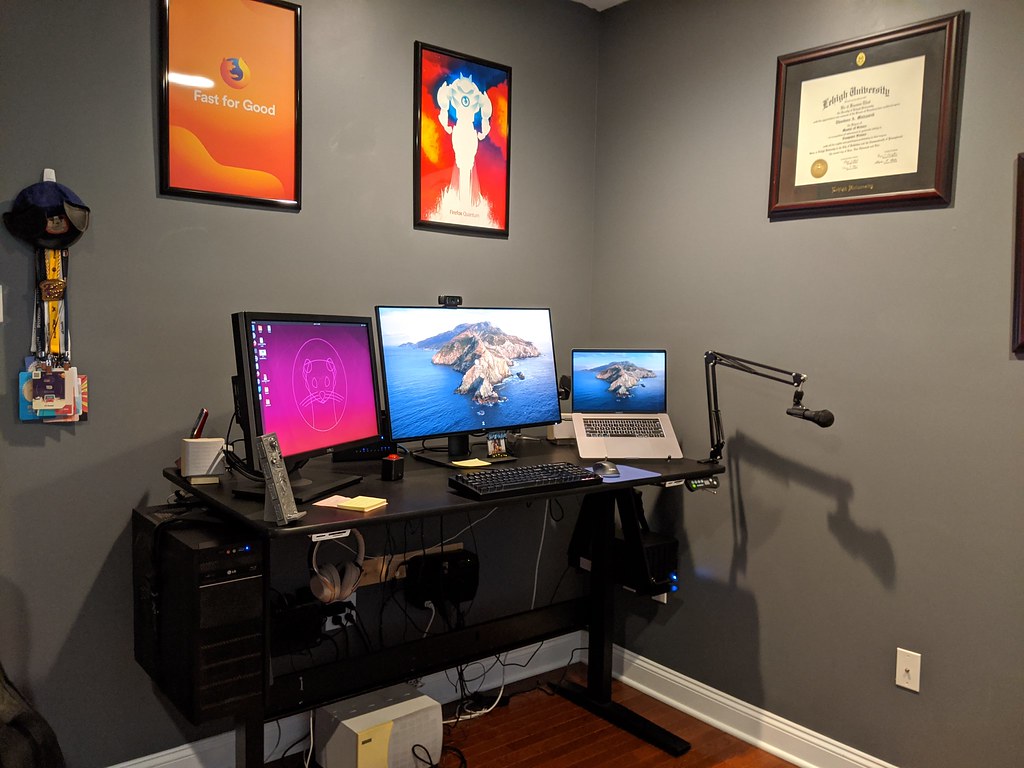
Cable management that stays usable
Cable management ideas for real desks, focused on power access, service loops, trays, clips and tidy setups that remain easy to change.